IGS Perfect Apps

EMULATION, MADE WITH CARE

Your classics.
Your way.

Android emulators made to keep your favorite games close, with customizable controls, an organized library, and ways to pick up where you left off.

Explore the emulators ↓

01GAME BOY ADVANCE

Perfect Boy

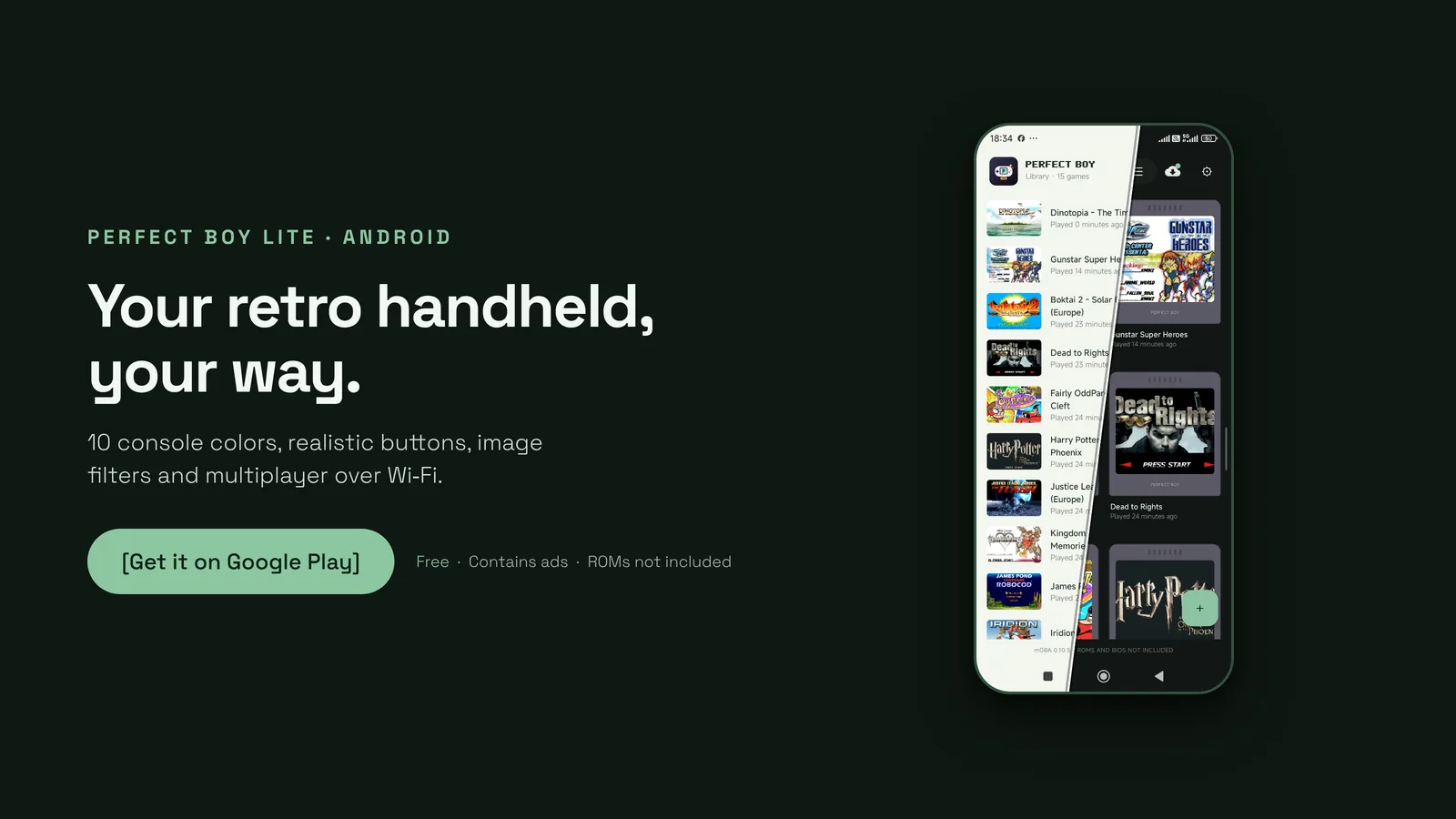
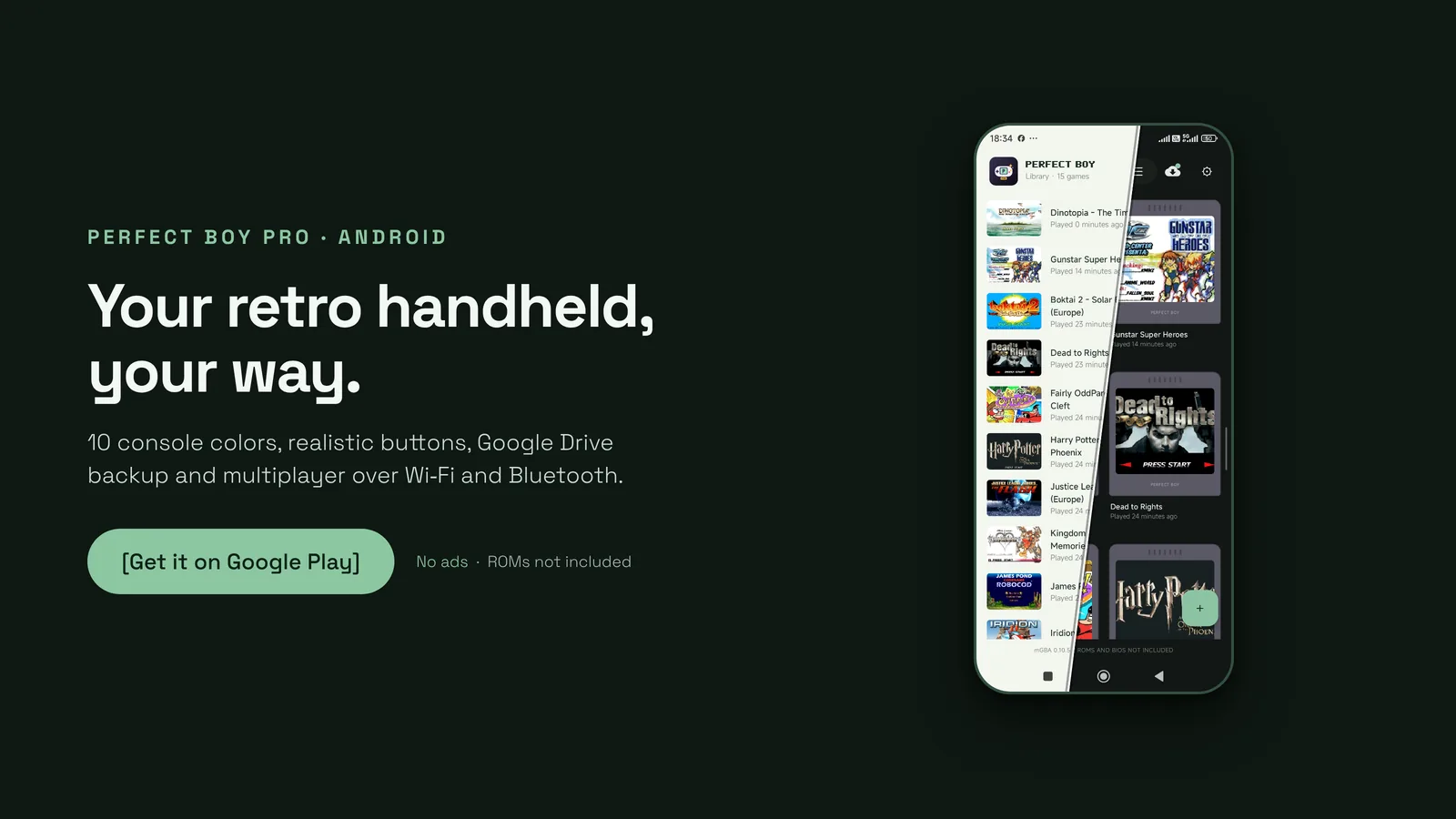
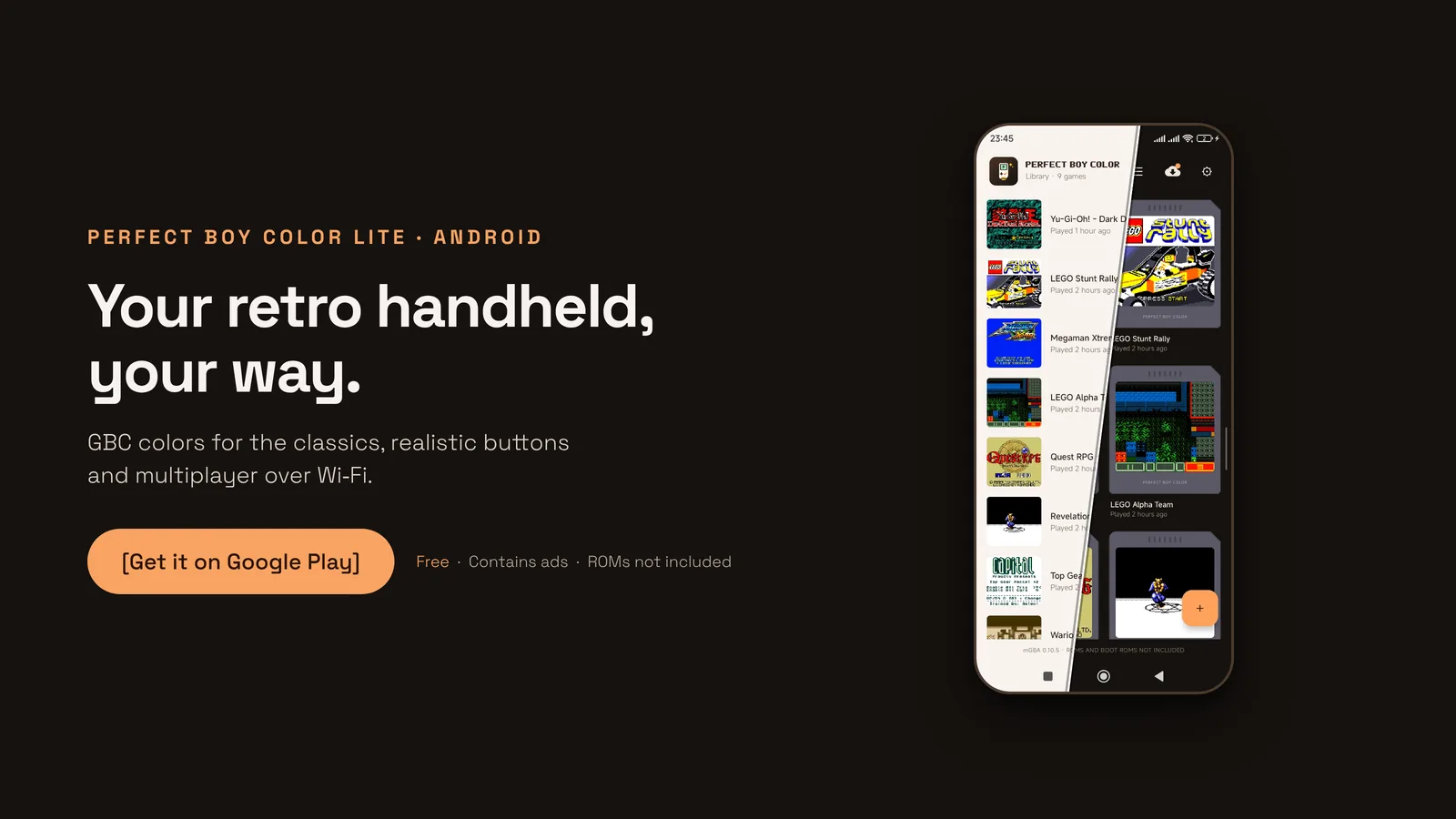
Your retro handheld, your way.

A Game Boy Advance emulator powered by mGBA, with a library that shows each game’s title screen, controls you build from scratch, and multiplayer with another phone over Wi-Fi or Bluetooth, just like the original link cable.

Files: .gba

Perfect Boy Lite: Your retro handheld, your way.Perfect Boy PRO: Your retro handheld, your way.

An organized library

  • List or grid of cartridges with each game’s title screen
  • Shows when you last played
  • Pick the folder with your .gba files and the library builds itself
Multiplayer, no cable

  • Connect to another phone over Wi-Fi or Bluetooth
  • Create a room or join one, like a link cable
  • Games that use the link cable really exchange data

Controls your way

  • Drag and resize every on-screen button, with multitouch
  • Layout profiles for portrait and landscape
  • Bluetooth and USB controllers and keyboards, with button mapping

Look and video

  • 10 console colors and realistic buttons
  • Image filters, integer scaling, and screen size
  • Light, dark, or system theme

Play at your pace

  • Fast-forward up to maximum speed
  • Automatic cartridge saves and save states in multiple slots
  • GameShark, Action Replay, and CodeBreaker cheats

Saves, patches, and advanced

  • Import saves (.sav) from other emulators
  • IPS, UPS, and BPS patches applied without changing the ROM
  • Your own or built-in BIOS, cartridge save type, and speed hack

Choose your edition

Perfect Boy Lite

Free, with ads

  • Every emulation feature
  • Up to 5 games in the library
  • Watch an ad to unlock another slot, up to 15 games
  • Shows ads
Get Lite ↗

Perfect Boy PRO

One-time purchase, no ads

  • No ads, ever
  • Unlimited library
  • Google Drive backup and sync: saves, states, cheats, and patches
  • Switch phones without losing progress
Get PRO ↗

02GAME BOY · COLOR

Perfect Boy Color

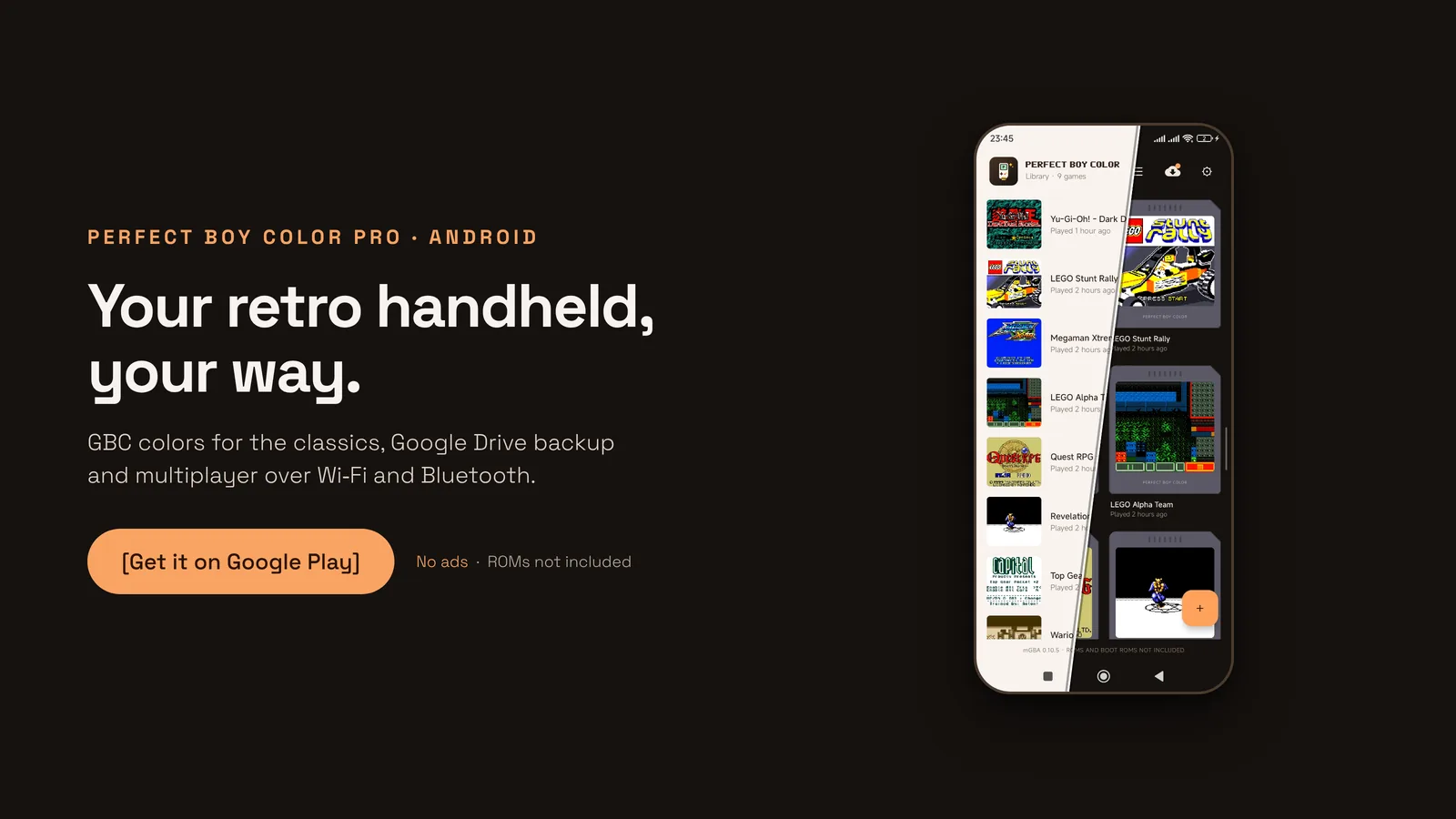
Game Boy and Game Boy Color, with color even in the classics.

A Game Boy and Game Boy Color emulator powered by mGBA. Classic Game Boy games get automatic GBC colors (or the original green, if you prefer), and you can play with another phone as if a link cable connected them.

Files: .gb · .gbc · .sgb
Perfect Boy Color Lite: Game Boy and Game Boy Color, with color even in the classics.Perfect Boy Color PRO: Game Boy and Game Boy Color, with color even in the classics.

Color, even in the classics

  • Automatic GBC colors for Game Boy games
  • Classic green palette for purists
  • GBC LCD color correction

Multiplayer, no cable

  • Link cable over Wi-Fi or Bluetooth with another phone
  • Create a room or join one
  • Either device can be the host

Portrait or landscape

  • Controls rearrange themselves for each orientation
  • Multitouch on-screen buttons, editable, with profiles
  • Physical controllers: R for fast-forward, L1 and L2 for quick save and load

Library and personalization

  • List or grid with each game’s title screen
  • Device color, realistic buttons, and light or dark theme
  • Supports .gb, .gbc, .sgb, .cgb, and .dmg

Play at your pace

  • Fast-forward and save states in multiple slots
  • Automatic cartridge saves
  • GameShark and Game Genie cheats

Full control

  • Console model per game: auto, GBC, GB, Super Game Boy, or GBA
  • Optional boot ROM, with the startup animation
  • IPS, UPS, and BPS patches and save import

Choose your edition

Perfect Boy Color Lite

Free, with ads

  • Every emulation feature
  • Up to 5 games in the library
  • Shows ads
Get Lite ↗

Perfect Boy Color PRO

One-time purchase, no ads

  • No ads, ever
  • Unlimited library
  • Google Drive backup and sync
  • Switch phones without losing progress
Get PRO ↗

03NES · 8-BIT

Perfect 8-Bit

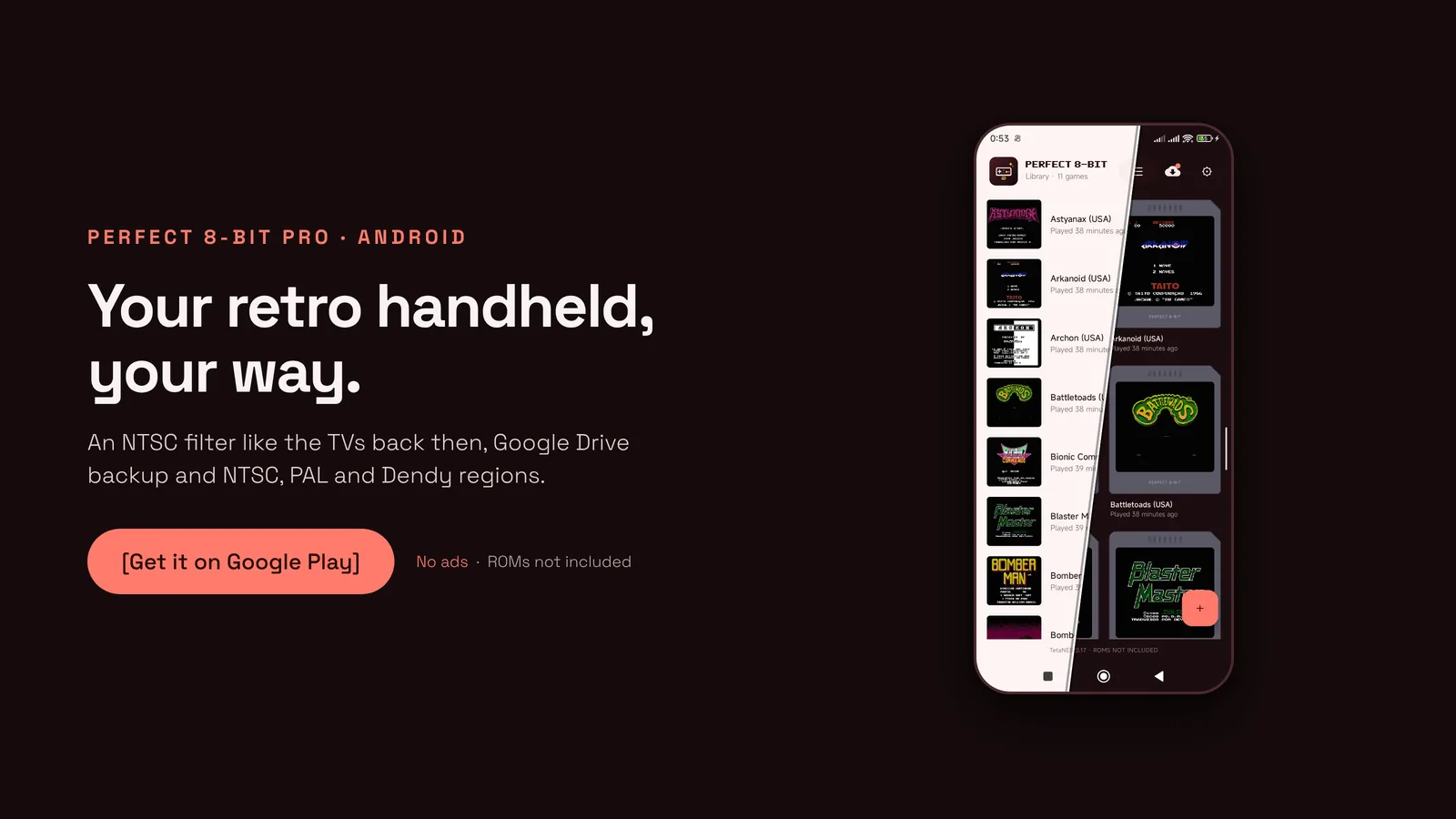
8-bit cartridges, just like on the TVs of the day.

A classic 8-bit console emulator with a crisp 256×240 picture, 48 kHz stereo sound, and an NTSC filter that recreates the look of CRT TVs. Pick the folder with your .nes files and start playing.

Files: .nes (iNES · NES 2.0)
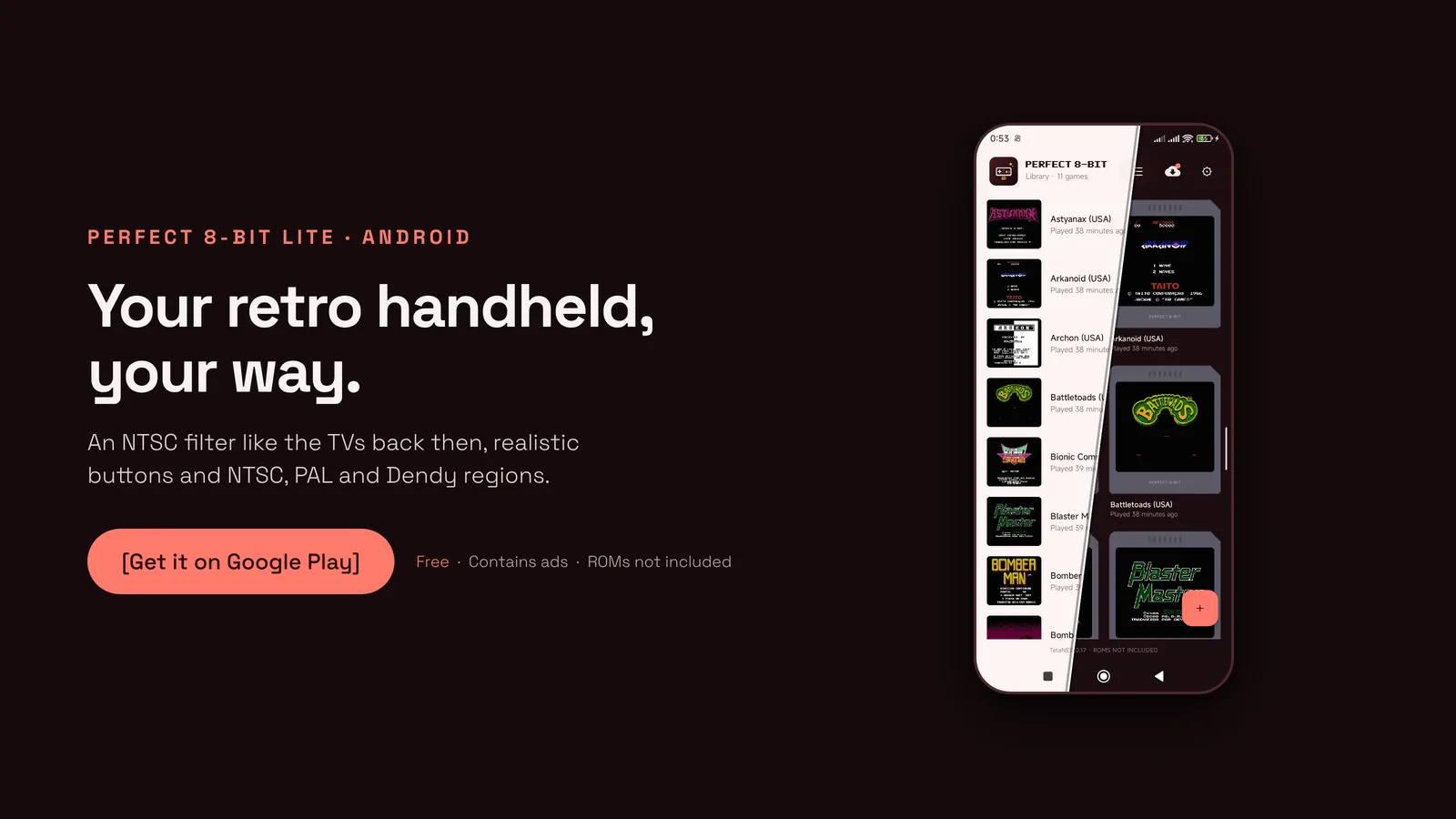
Perfect 8-Bit Lite: 8-bit cartridges, just like on the TVs of the day.Perfect 8-Bit PRO: 8-bit cartridges, just like on the TVs of the day.

Accurate emulation

  • Crisp 256×240 picture and 48 kHz stereo audio
  • iNES and NES 2.0 ROM formats
  • Original aspect ratio or stretched to fill the screen

Like the TVs of the day

  • NTSC filter that recreates the soft look of CRT TVs
  • Per-game region: auto, NTSC, PAL, or Dendy
  • Correct speed and sound for each region

Save anytime

  • Automatic cartridge (battery) saves
  • Save states in multiple slots
  • Import saves from other emulators

Turbo and cheats

  • Adjustable fast-forward
  • Turbo / autofire for A and B
  • Game Genie (6 and 8 letters), RAM codes, and IPS, UPS, and BPS patches

Controls your way

  • On-screen buttons you move and resize, with profiles
  • Bluetooth and USB controllers and keyboards, with mapping
  • Two-player mode with a second physical controller on the same device

Look and comfort

  • Light, dark, or system theme
  • Custom console and button colors
  • Portrait or landscape, and screenshots saved to your gallery

Choose your edition

Perfect 8-Bit Lite

Free, with ads

  • Every emulation feature
  • Up to 5 games in the library
  • Shows ads
Get Lite ↗

Perfect 8-Bit PRO

One-time purchase, no ads

  • No ads, ever
  • Unlimited library
  • Google Drive backup and sync: saves, states, cheats, and patches
  • One-time purchase, no subscription
Get PRO ↗

04JAVA · J2ME

Perfect JAR

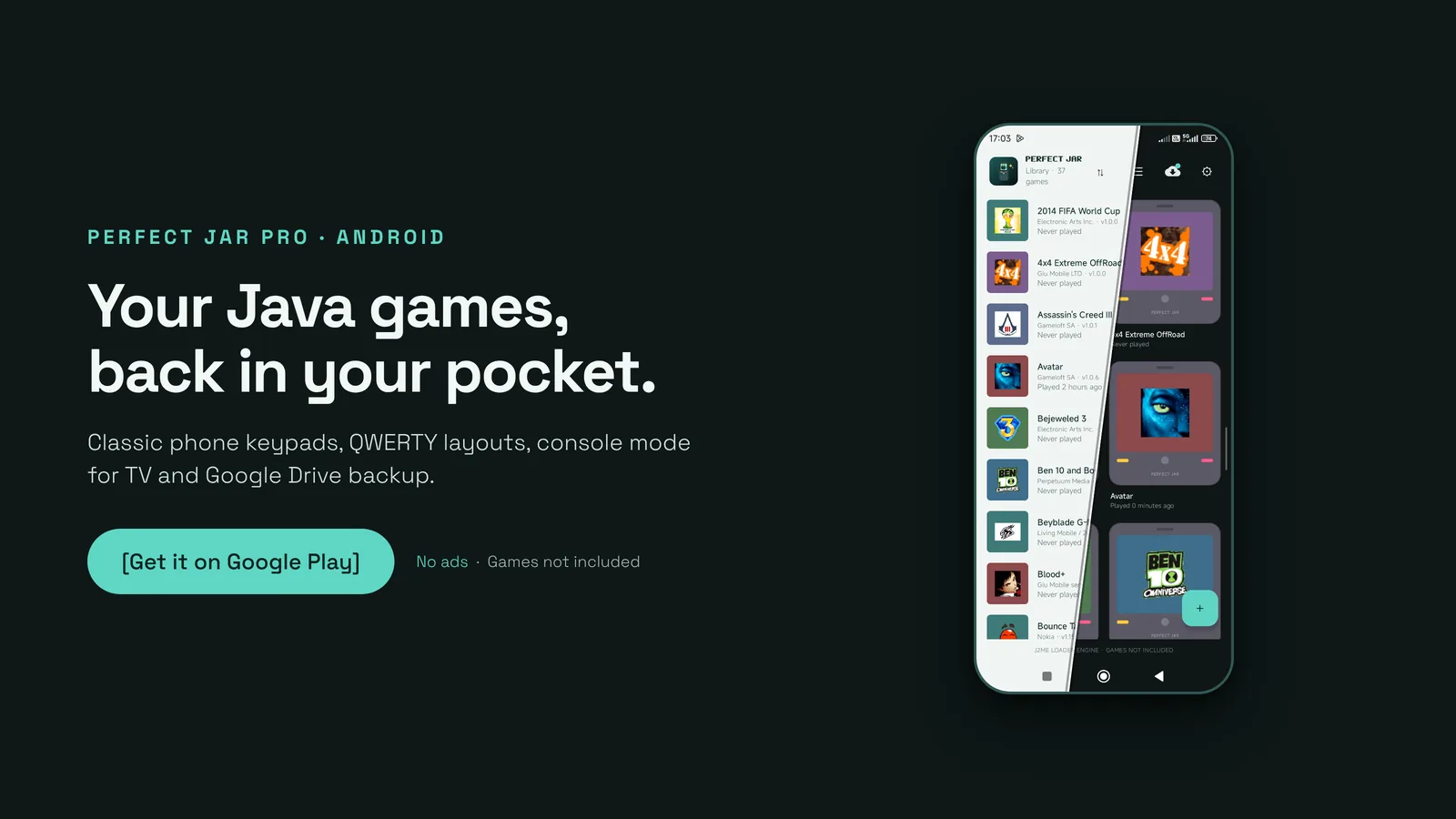
Your Java games, back in your pocket.

The .jar games from classic phones running on Android, in 2D and 3D (including Mascot Capsule 3D and M3G). Each game appears inside a classic phone on screen, with keypads you choose and edit, plus a console mode for playing on TV.

Files: .jar · .jad
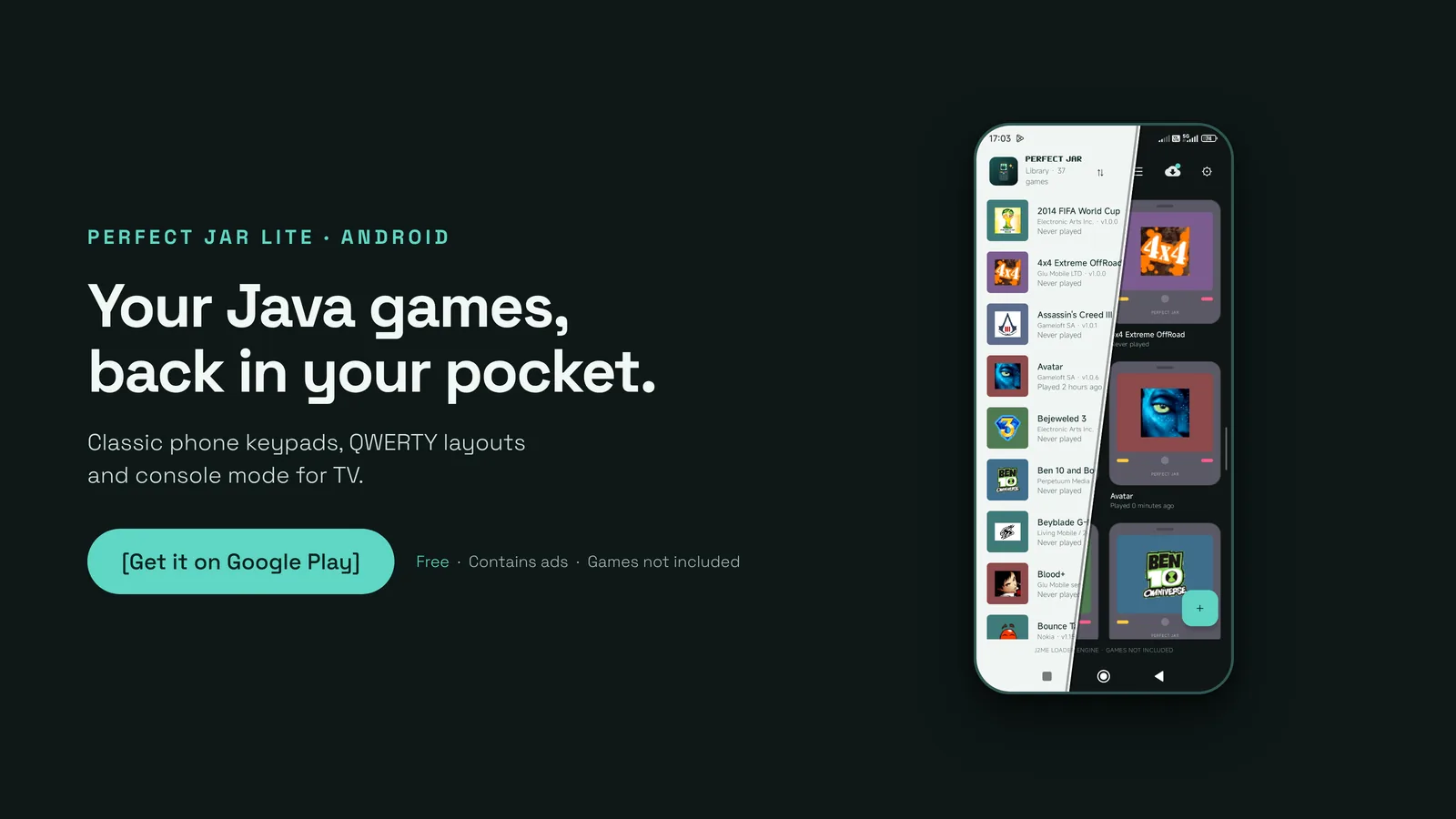
Perfect JAR Lite: Your Java games, back in your pocket.Perfect JAR PRO: Your Java games, back in your pocket.

Just like your old phone

  • The game runs inside a classic phone drawn on screen
  • 2D and 3D games, including Mascot Capsule 3D and M3G
  • Individual settings for each game

Keypads your way

  • Classic phone keypads and QWERTY
  • Keypad editor: drag and resize every key
  • Separate layouts for portrait and landscape

Wide games and console mode

  • Landscape mode for wide (320×240) games, with a matching keypad
  • Console mode: the game full screen, without the phone around it
  • Made for Android TV

Physical controllers

  • Bluetooth and USB controllers work out of the box
  • Map controller and keyboard buttons
  • The on-screen keypad hides when you use a controller and returns with a tap

An organized library

  • Grid or list with icon, version, and when you last played
  • Sort your collection
  • Light, dark, or system theme, and a two-column layout on tablets

Every detail, your way

  • Keep screen on, vibration, and system bars
  • Screenshot button
  • App in Portuguese, English, Spanish, French, German, and Italian

Choose your edition

Perfect JAR Lite

Free, with ads

  • Every emulation feature
  • Up to 5 games in the library
  • Local backup to a .zip file
  • Shows ads
Get Lite ↗

Perfect JAR PRO

One-time purchase, no ads

  • No ads, ever
  • Unlimited library
  • Automatic Google Drive backup, optionally including your games
  • A heads-up when a newer backup comes from another device
Get PRO ↗
✳

PLAY RESPONSIBLY

Your games are yours.

The emulators do not include games or protected system files. Import only files you have the right to use.

CLEAR, STRAIGHTFORWARD PRIVACY

Your privacy is part of the product.

Learn what information the apps may process, how ads and Google Drive backups work, and how to contact the developer.

Read the privacy policy→